I had a great time talking comics with the legend himself, Mr. Brian Hibbs!


I had a great time talking comics with the legend himself, Mr. Brian Hibbs!
My new book, EOWULF: OF MONSTERS & MIDDLE SCHOOL is out. I’m so psyched for this continuation of the NICO BRAVO world, and there’s more to come! Check out some artwork, reviews, ordering info, and interviews below!
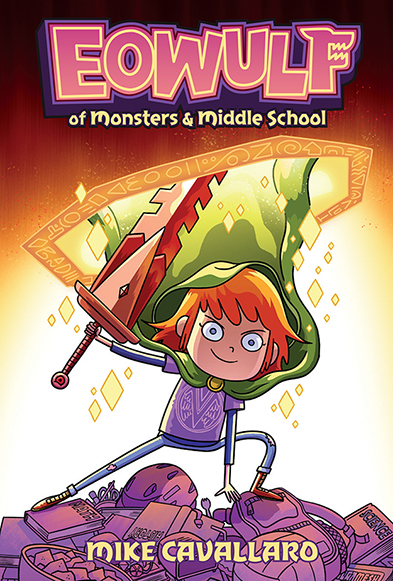
BOOK 1 IN THE ADVENTURES OF EOWULF
From Mike Cavallaro comes a story set in the Nico Bravo universe that spotlights an unforgettable, iconic new heroine!
Eowulf Wegmund just had the most amazing summer ever! She traveled to a magical supply shop at the crossroads of all realities, rescued unicorn soldiers from a pocket dimension, and fought an evil god with the help of her new friend Nico Bravo. Pretty rad stuff, even if you are descended from the legendary monster hunter Beowulf!
Now Eowulf finds herself back home in her boring New Jersey suburb, where the only monsters are the ones in her D&D game and the weirdest creature around is her middle school classmate Amadeus Hornburg—and he’s just an angry little jerk that nobody likes. But when a mysterious supervillain returns to wreak havoc on their quiet town, Eowulf and Amadeus must join forces to unearth a dark past that wants to stay buried.
LINK: PREVIEW PAGES AND ORDERING OPTIONS
Press:
“A pitch-perfect tale of friendship and fantastical foes.”
– Kirkus starred review
“A fun spin-off of the “Nico Bravo” series, Eowulf stands on its own as an action-packed adventure with witty dialogue and entertaining characters. VERDICT Graphic novel fans are going to devour Eowulf’s first solo adventure, and likely ask for seconds.”
– School Library Journal
“…by the book’s close, it is clear [Eowulf] is on a path to be both a fierce warrior and kind adult, exactly what this world needs.
– Bulletin of the Center for Children’s Books
“A great read for young readers and older readers alike.”
– Sequential Tart
“Bookwagon loves Eowulf: Of Monsters & Middle School. Not only is this rich in traditional storytelling from myths and legends, but then the storytelling, sensibilities and graphics are brilliantly considered and formed.”
– Bookwagon
Graphic Policy video review of EOWULF: OF MONSTERS & MIDDLE SCHOOL
Interviews:


In case you didn’t already know, during the 1990s when I was still young and full of fire, I joined my friend Pete’s band, STICKS AND STONES, which had already been playing for a few years. I loved the band, already traveled considerable distances to see them play, and couldn’t imagine anything greater than actually being in it. We went on to play many shows, traversed the country back-and-forth with several U.S. tours, played a number of other countries, made some records, destroyed a few vans, wrecked a good deal of musical equipment, argued a lot, broke up, got back together, broke up again, etc.
Now, with some much needed help, we’ve finally been able to make much (but not all…) of our music available again via streaming services and digital downloads. Below are some links and samples, or of course you can try searching wherever you prefer to buy music online.

Pete, Rob, Mike, Chris, Bond Street, NYC 1993
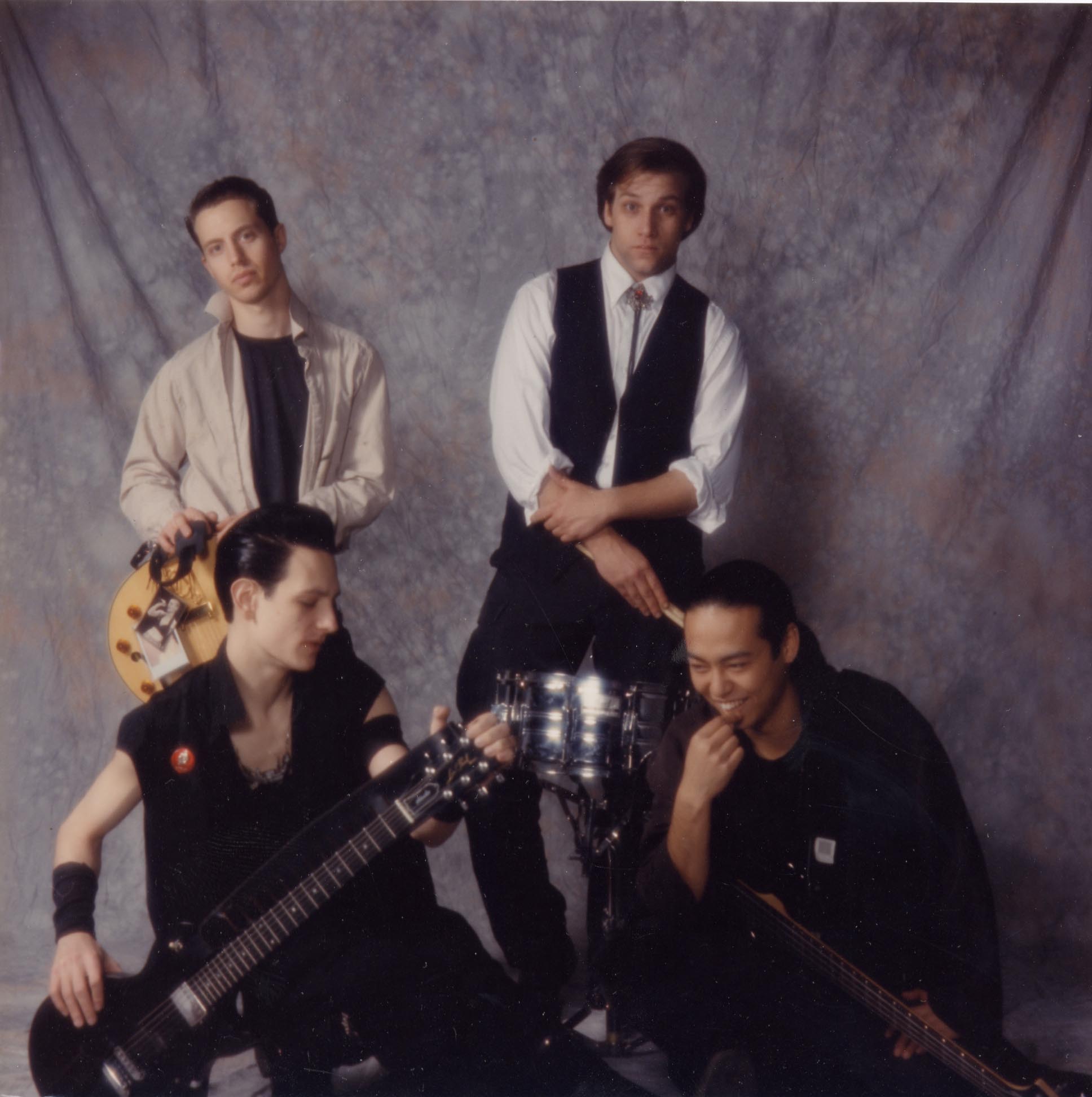
The Infamous TwinTone Records Photoshoot, 1992
INNER REVOLT lp
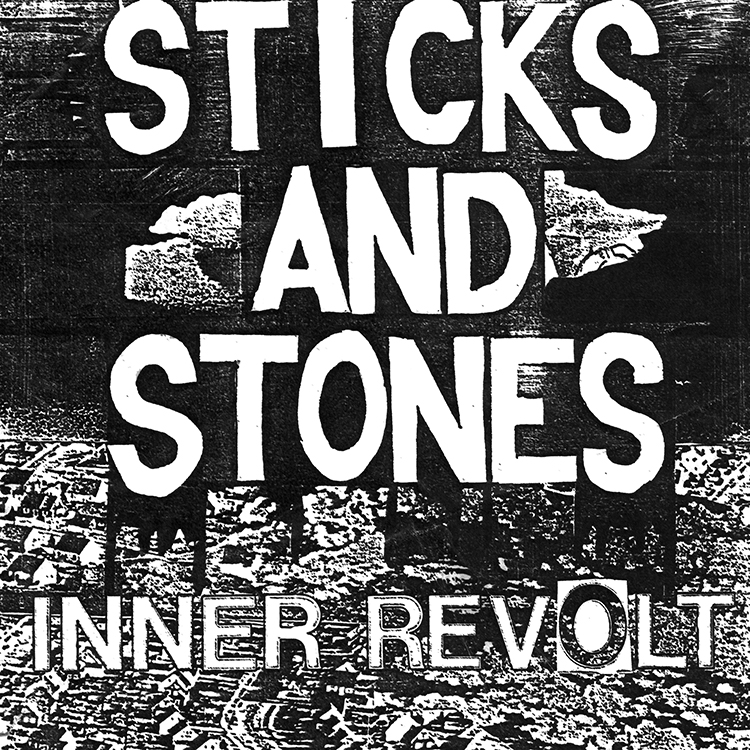
iTunes / Amazon Music / Spotify
Track Listing: 1: Black/White, 2: Still, 3: Saved, 4: Contempt, 5: The Lot, 6: Best Excuse, 7: Blindness, 8: Thanks for the Cash, 9: Common Cause, 10: If You Choose, 11: Along the Way
***
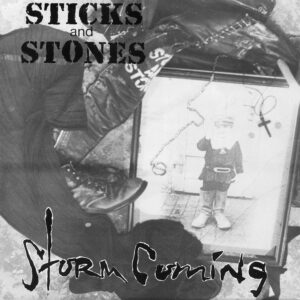
STORM COMING ep
 iTunes / Amazon Music / Spotify
Track Listing: 1: Along The Way, 2: Story, 3: Rogue, 4: Blindness
***
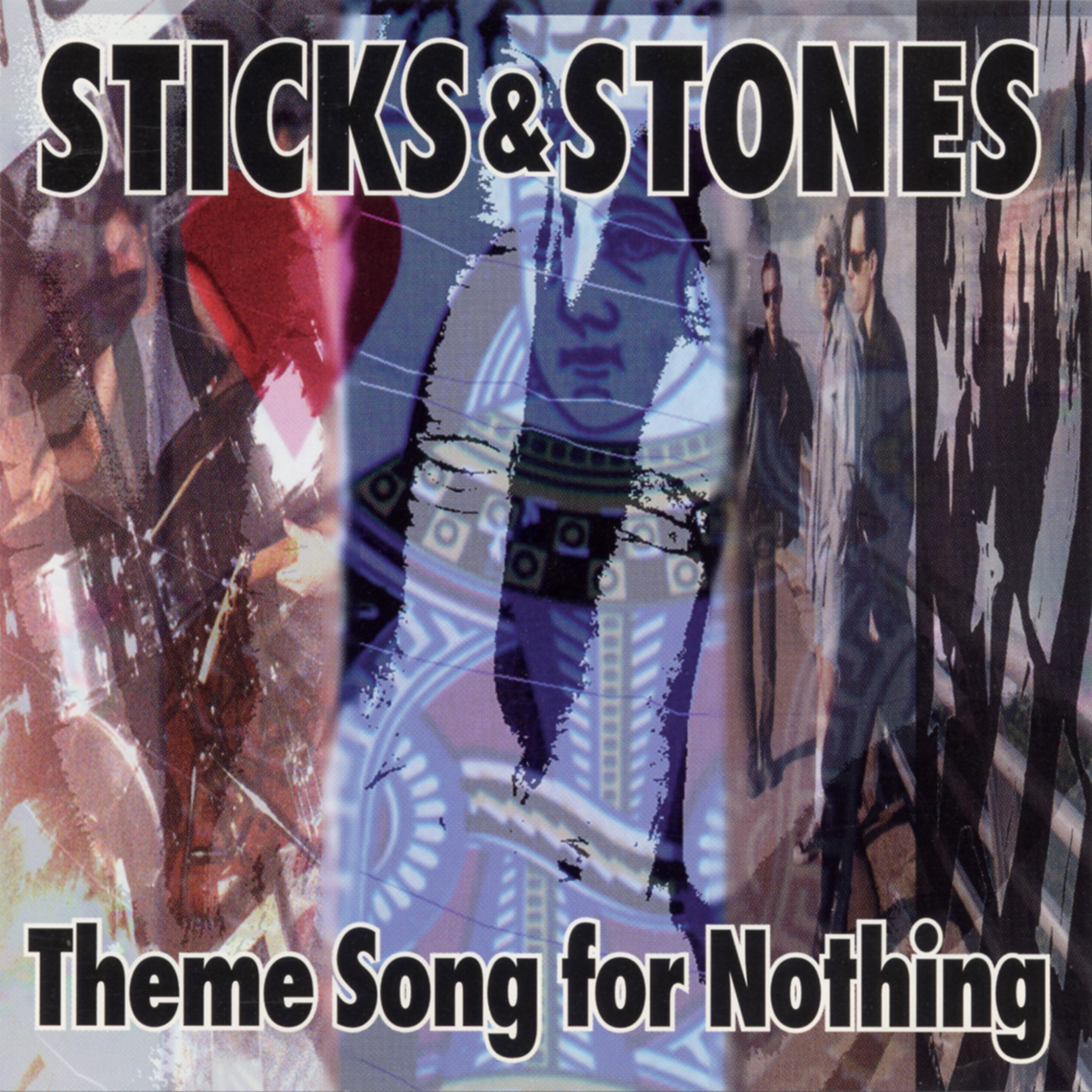
THEME SONG FOR NOTHING lp
 iTunes / Amazon Music / Spotify
Track Listing: 1: Theme Song For Nothing, 2: Laugh To Scream, 3: Phonecalls From…, 4: Saved, 5: A Whim & A Prayer, 6: Dear Hero, 7: Sekai, 8: Daylight, 9: The Lot, 10: Grasping At Straws, 11: Beautiful Extreme
***
CYNICAL ep 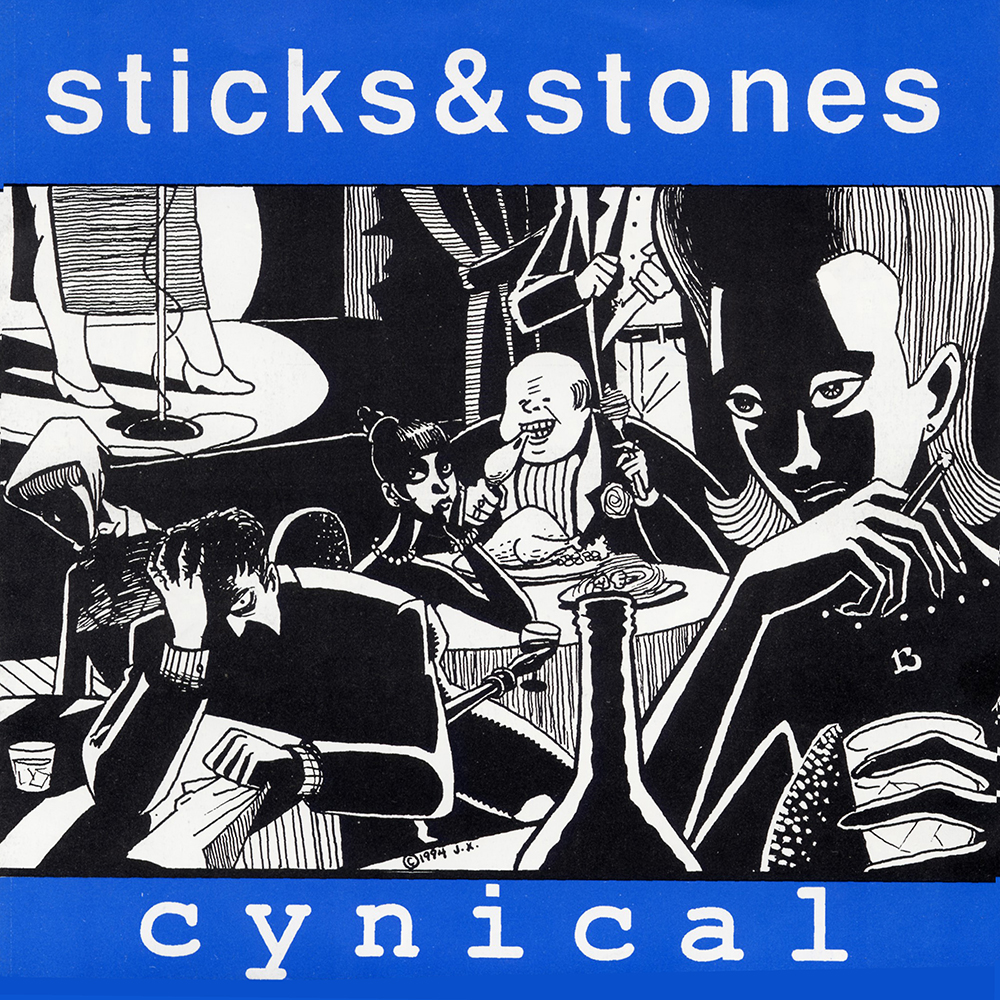 iTunes / Amazon Music / Spotify
Track Listing: 1: Cynical, 2: Thanks For The Cash, 3: Nothing Is Paid For, 4: Home
***
THE OPTIMIST CLUB lp
 iTunes / Amazon Music / Spotify
Track Listing: 1: New Heart, 2: Nothing’s Paid For, 3: The Optimist Club, 4: Thanks For The Cash, 5: Like Needed, 6: Cynical, 7: Borderline And Entropy, 8: Policy Of Fission, 9: Home, 10: Synchronicity II
***
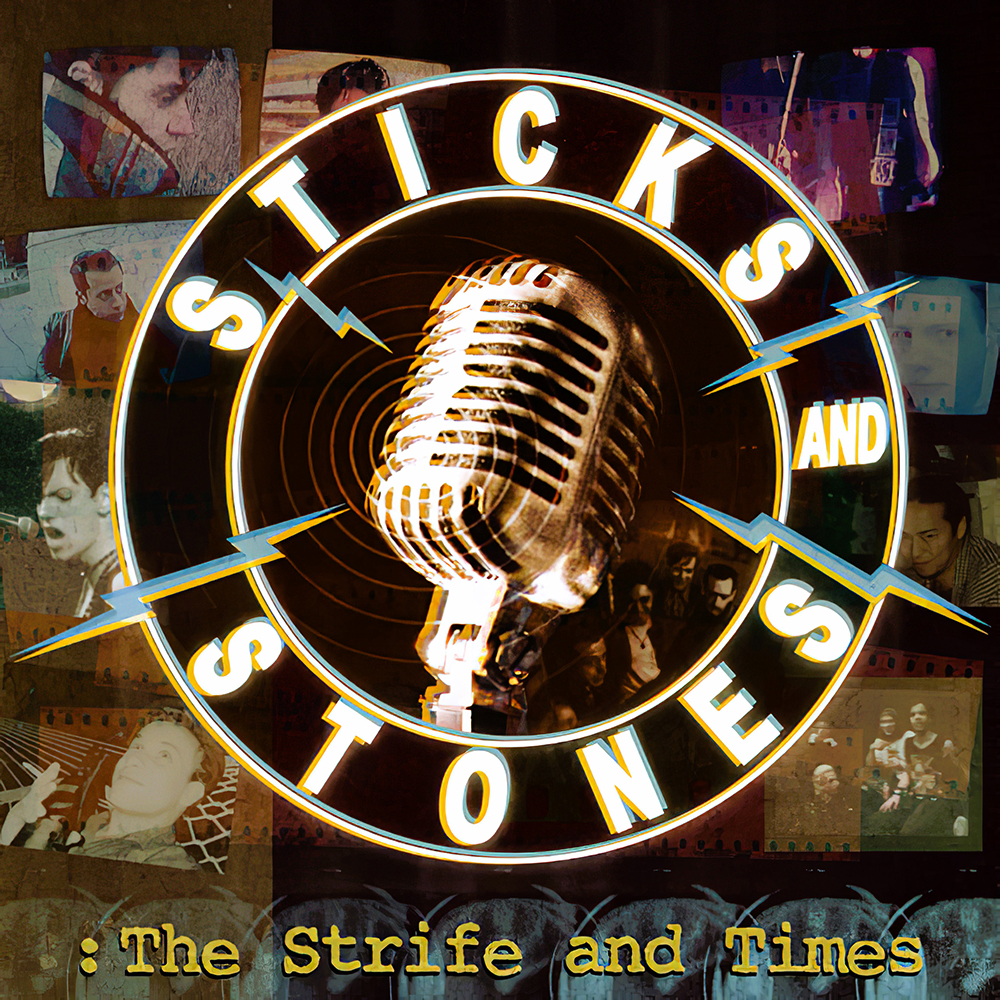
THE STRIFE AND TIMES, Vol. 1
 iTunes / Amazon Music / Spotify
Track Listing: 1: Society’s Pressure, 2: Black/White, 3: Common Cause, 4: Best Excuse, 5: Saved, 6: Less Than Free, 7: Contempt, 8: Reason To Care, 9: NC02 Death, 10: Moon Over Marin, 11: Along The Way, 12: Story, 13: Means, 14: Rogue, 15: Blindness, 16: Atlantic City, 17: Dreaming (Live), 18: Thin White Line (Live), 19: Home (Demo)
***
THE STRIFE AND TIMES, Vol. 2
iTunes / Amazon Music / Spotify
Track Listing: 1: Theme Song For Nothing, 2: Laugh To Scream, 3: Phone Calls From…, 4: A Whim And A Prayer, 5: Sekai, 6: Daylight Song, 7: The Lot, 8: Borderline And Entropy, 9: Obvious 10: Saved, 11: Dear Hero, 12: Grasping At Straws, 13: Beautiful Extreme, 14: Synchronicity II, 15: New Heart, 16: Nothing’s Paid For, 17: The Optimist Club, 18: Thanks For The Cash, 19: Like Needed, 20: Cynical, 21: Policy Of Fission, 22: Home


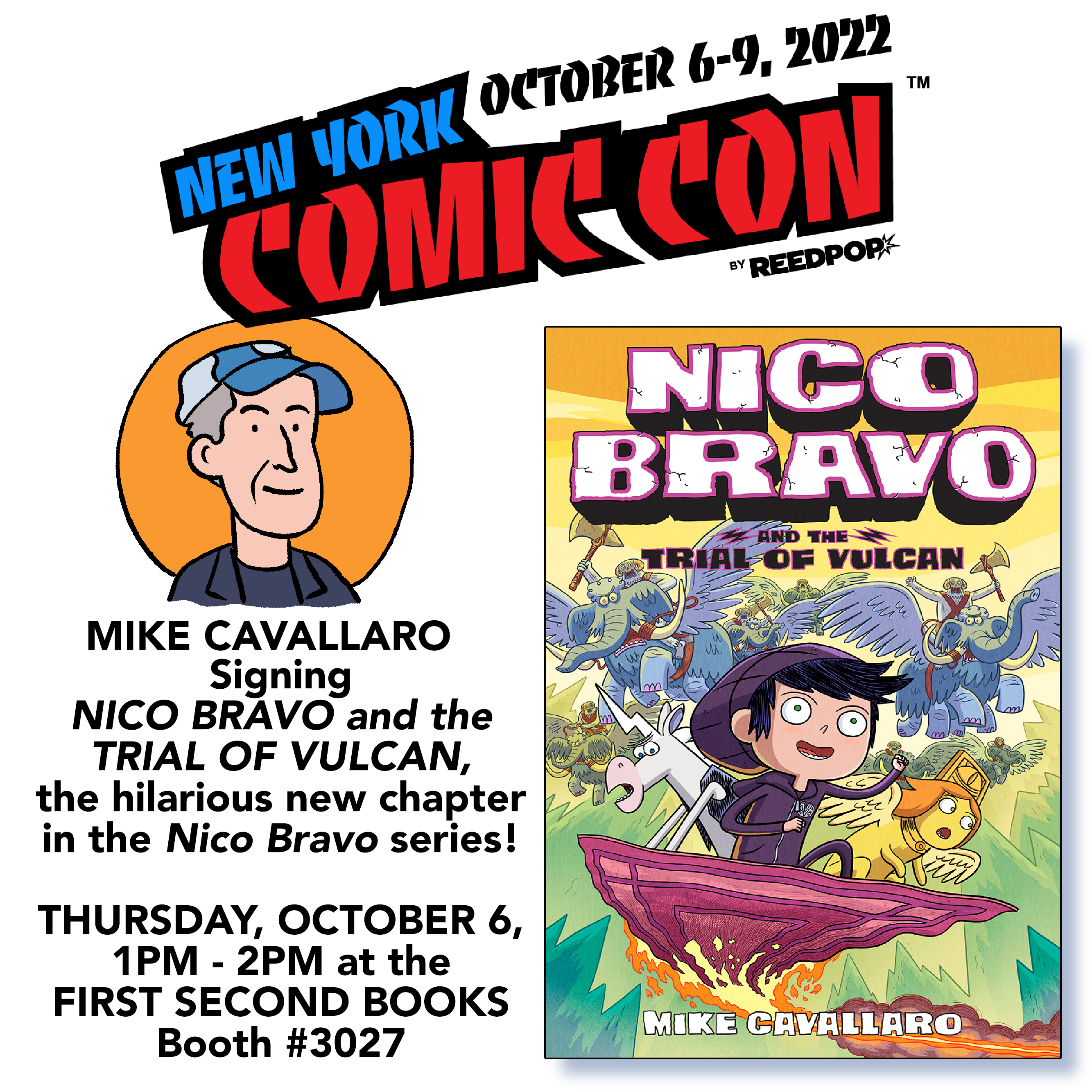
New York Comic Con 2022 is days away, and I’ll bet there, mostly alongside my fellow members at the National Cartoonists Society booth #3504. But I’ll also be signing copies of FREE SPEECH HANDBOOK with co-author Ian Rosenberg at the First Second Books booth # on THURSDAY, OCTOBER 6th, from 1 – 2 PM. Of course, we’ll have plenty of NICO BRAVO AND THE TRIAL OF VULCAN, the BRAND NEW third volume in the Nico Bravo series.
Hope to see you there!
MORE INFO AFTER THE CUT!


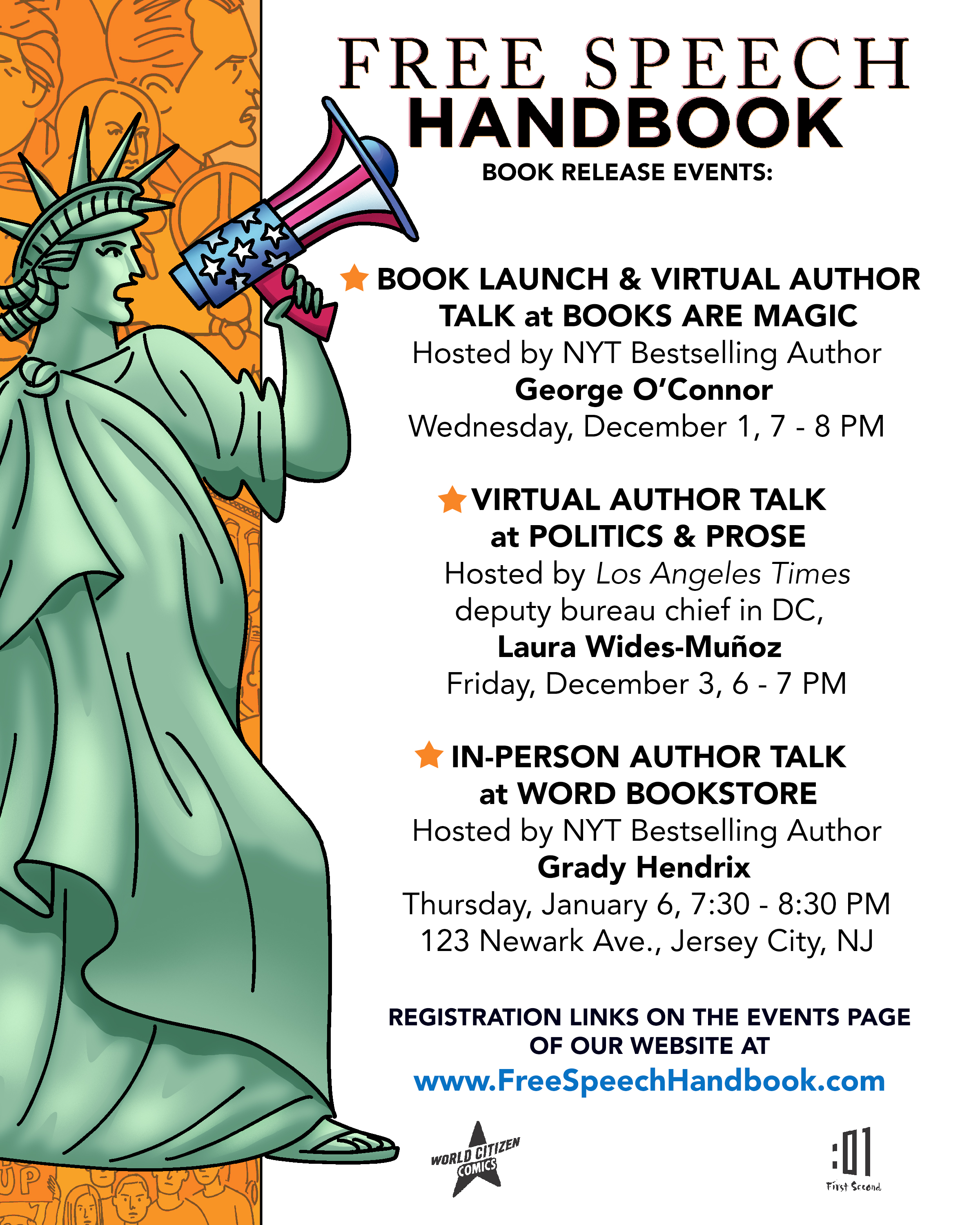
Free Speech Handbook came out a week ago and Ian and I spent the time giving it as good a sendoff as we could.
To kick things off, Books Are Magic hosted our official launch and virtual talk on December 1, moderated by our pal, NY Times bestselling author George O’Connor. 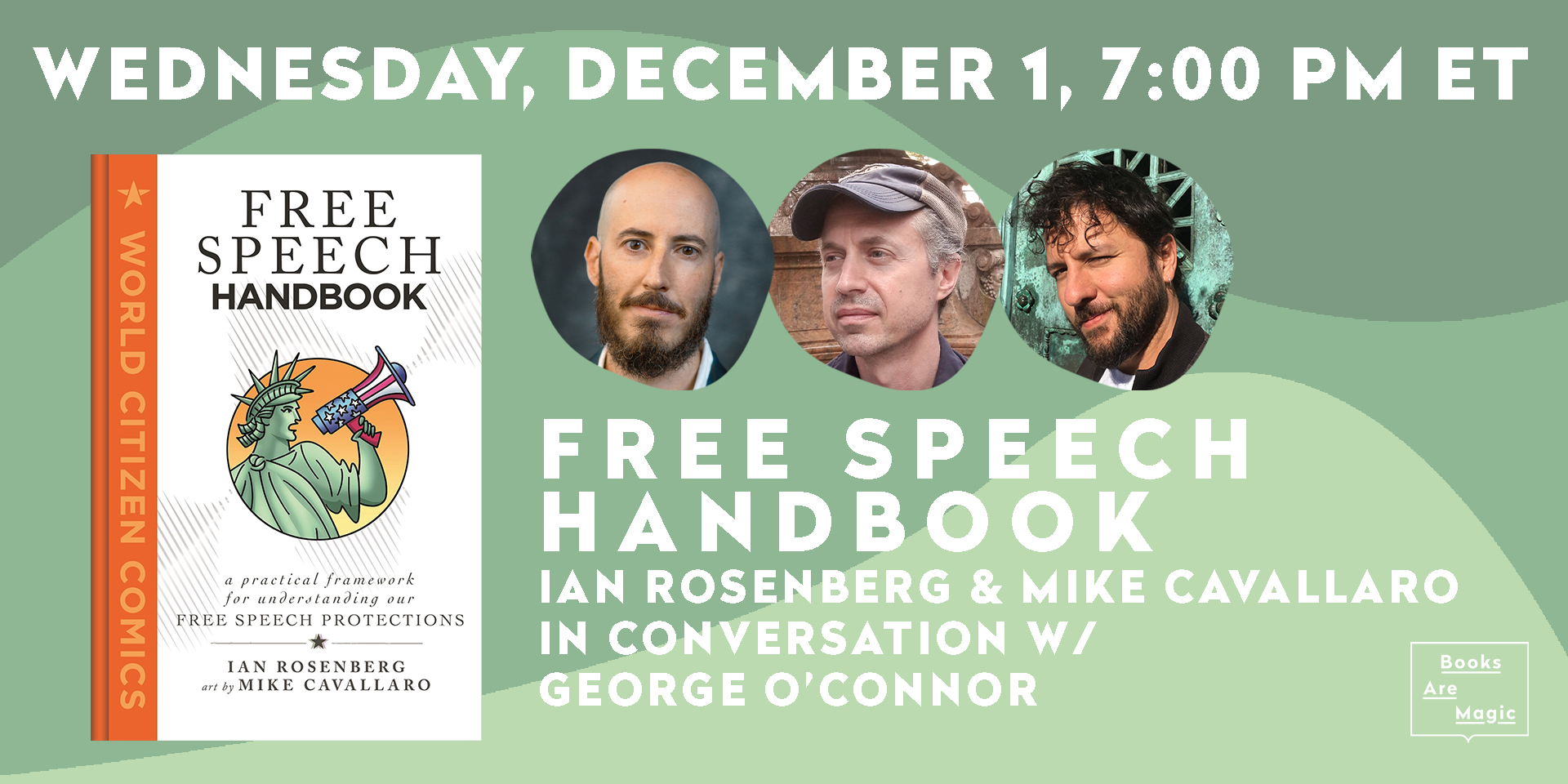
Full disclosure: The next night, Thursday, Ian and I selfishly treated ourselves to a toast in honor of the book at the newly opened Sunken Harbor Club, upstairs from Gage & Tollner in downtown Brooklyn. (Image from Liquor.com)

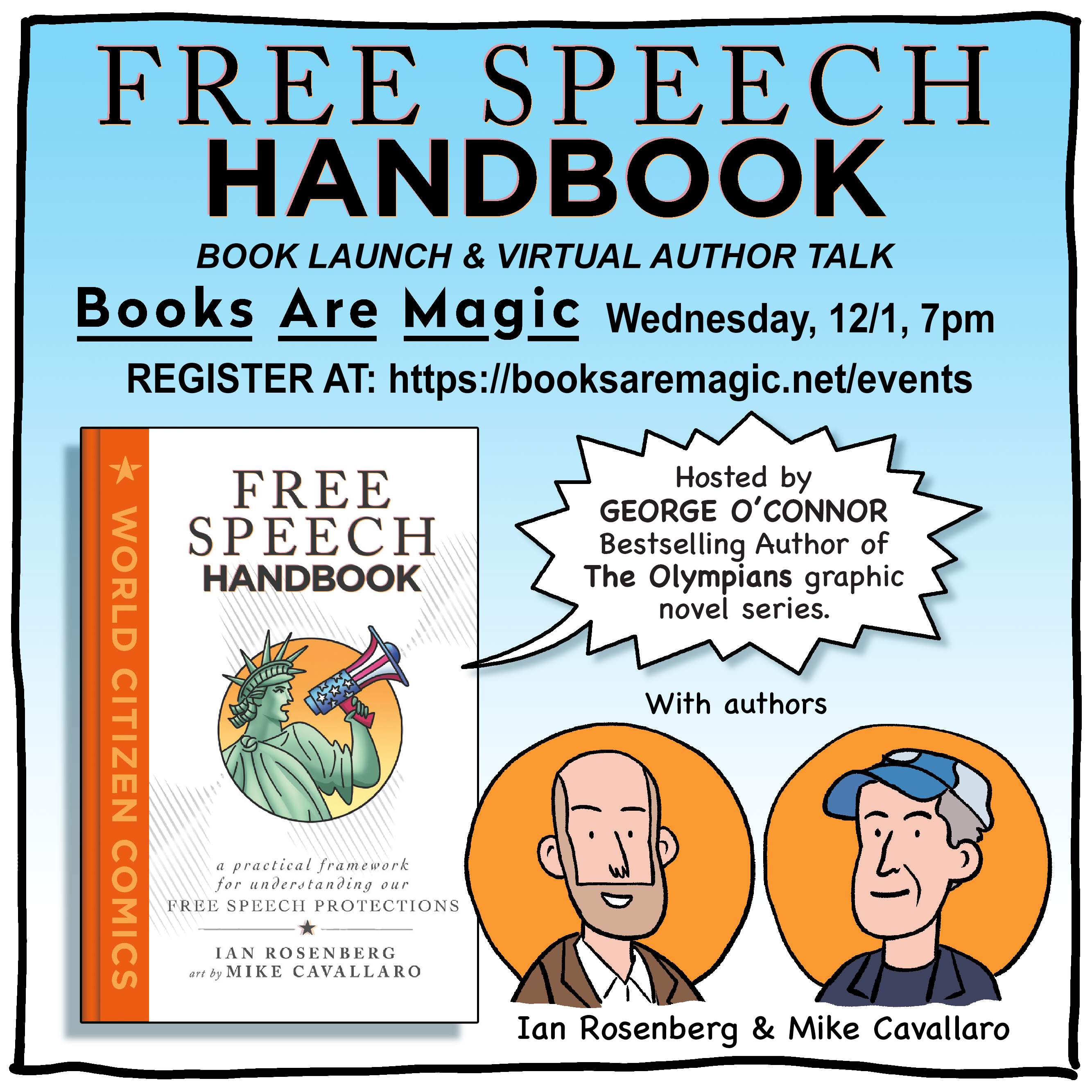
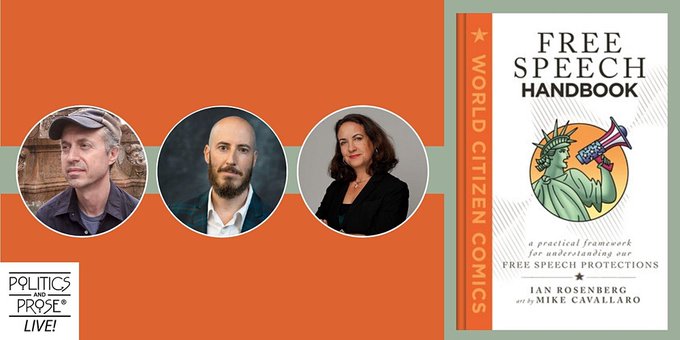
Friday, December 3, we were hosted by Politics & Prose for our second online talk, moderated by LA Times deputy bureau chief in DC, Laura Wides-Muñoz.

On Sunday, December 5, we woke up to the pleasant surprise that Free Speech Handbook had received a mention in the Sunday New York Times Book Review section. It’s always nice to have your work noticed, and great for the book itself to receive this kind of attention.

Hot on the heels of that, Ian and I spoke with Johnny Flores for his Graphic Novel Explorers Club podcast. Johnny was a great host and I’m looking forward to the final cut of the episode.

Then finally, last night, December 6, we spoke with journalist and professor Leon Lazaroff, hosted by Brooklyn College, for another spirited discussion on free speech issues.
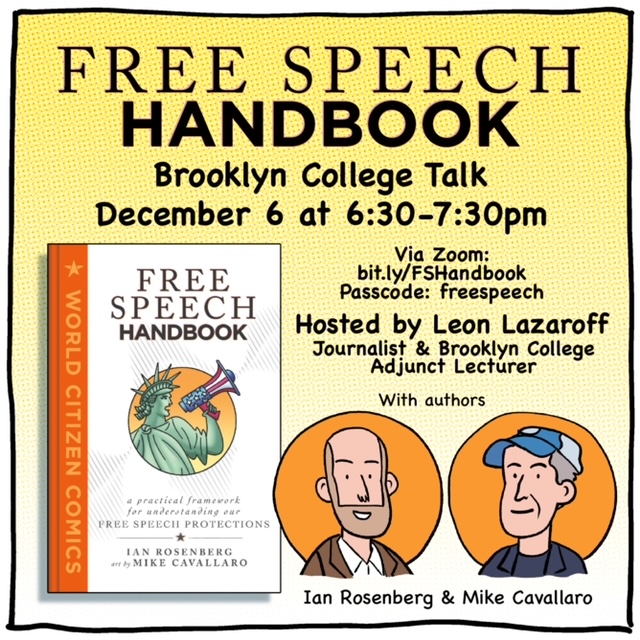
I think Ian and I did right by our new book, which we’re both very proud of. Now it’s back to the drawing board for a while. Our next Free Speech Handbook event will be IN-PERSON (we hope…) on January 6, 7:30 PM ET, at Word Bookstore in Jersey City, NJ, hosted by NT Times bestselling author Grady Hendrix, but there’ll be more on that when we get closer to the date.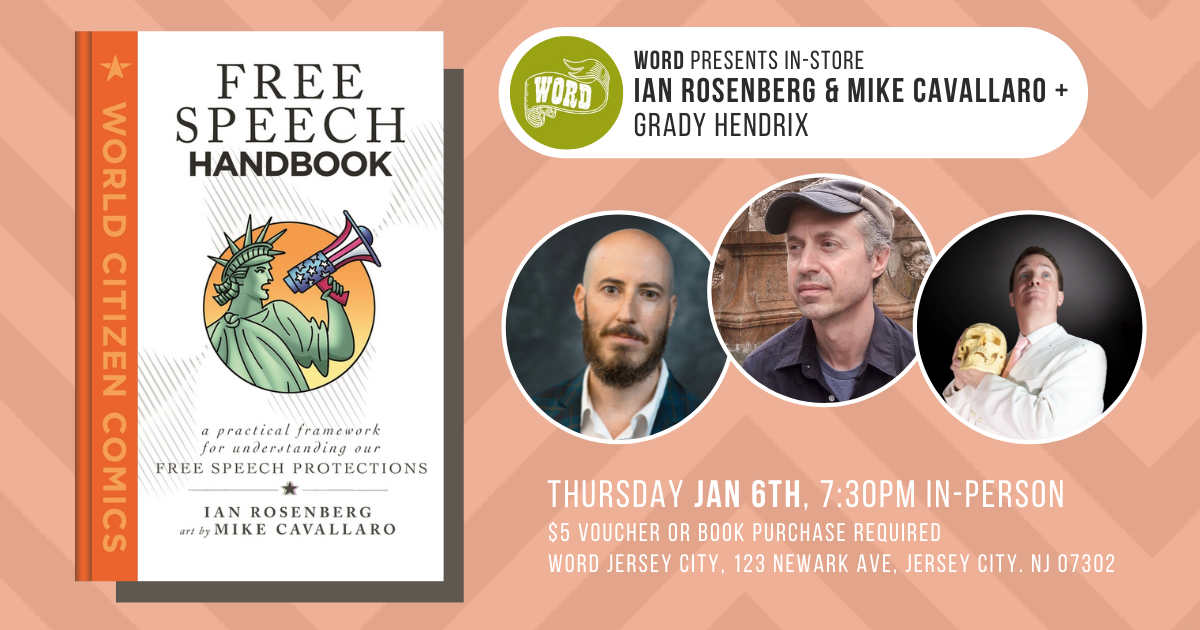


Happy Holidays, everyone! In keeping with the spirit of the season, here are a few gift suggestions– great graphic novels for any age group, by a few of my good friends!
Definitely Nat: The Nat Enough Collection #1-3 Boxed Set by Maria Scrivan

Making friends isn’t easy, but losing them is even harder!
Natalie is navigating her way through the minefields of middle school. Between best friends and boyfriends and ex-friends, Natalie doesn’t think she measures up to others. But when she meets new friends, will Natalie be able to focus on who she is, rather than who she isn’t and discover that she’s more than enough, just the way she is?
This three-book box set by New York Timesbestselling creator Maria Scrivan includes Nat Enough, Forget Me Nat, and Absolutely Nat.
All Ages.
CLICK HERE TO ORDER DEFINITELY NAT ONLINE
Batman/Fortnite: Zero Point by Christos Gage and Reilly Brown
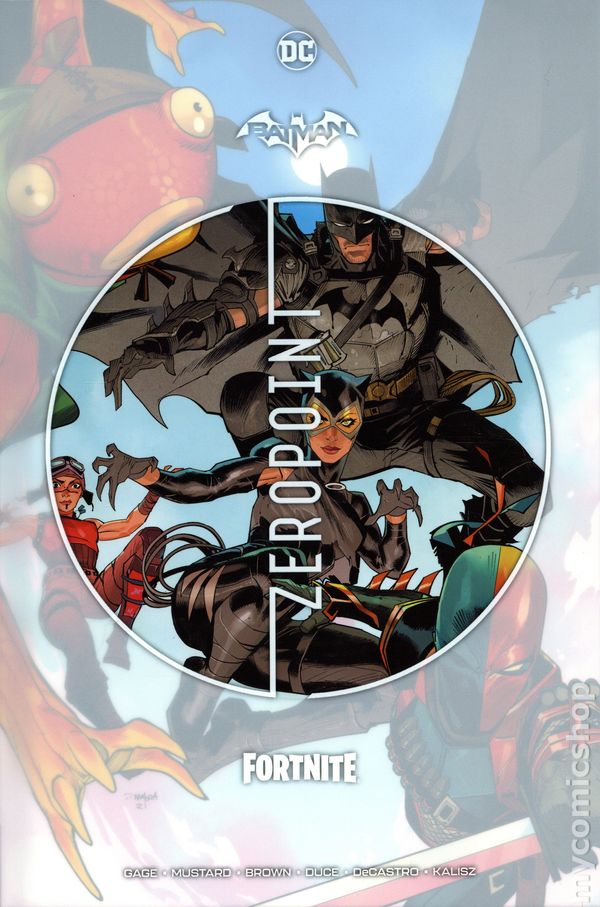
Batman is lost on Fortnite Island from the popular video game, and trapped in it’s recurring time loop battle royale, where everything, including his memory, is reset every 22 minutes. Can even the world’s greatest detective solve the mystery of Fortnite Island?
CLICK HERE TO ORDER BATMAN/FORTNITE: ZERO POINT ONLINE
Olympians Boxed Set Books 1-6 by George O’Connor

In OLYMPIANS, O’Connor draws from primary documents to reconstruct and retell classic Greek myths. But these stories aren’t sedate, scholarly works. They’re action-packed, fast-paced, high-drama fantasy adventures, with monsters, romance, and not a few huge explosions. O’Connor’s vibrant, kinetic art brings ancient tales to undeniable life, in a perfect fusion of super-hero aesthetics and ancient Greek mythology.
Collectors will adore this packaged set, with lots of new artwork and a free poster featuring the complete Olympians family tree.
CLICK HERE TO ORDER OLYMPIANS ONLINE
The Red Hook, Vol.1: New Brooklyn by Dean Haspiel
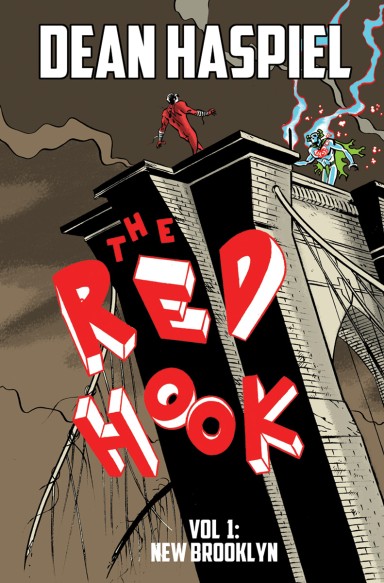
Winner of the Ringo Award for Best Webcomic 2017, this book collects the first volume of THE RED HOOK, a super-thief who is bequeathed the Omni-fist of Altruism and transformed into a hero against his will a year after a sentient Brooklyn’s heart is broken and physically secedes from America.
CLICK HERE TO ORDER THE RED HOOK ONLINE
Moonshadow: The Definitive Edition by J.M. DeMatteis, Illustrated by Jon J. Muth, Kent Williams, Kevin Nowlan and George Pratt
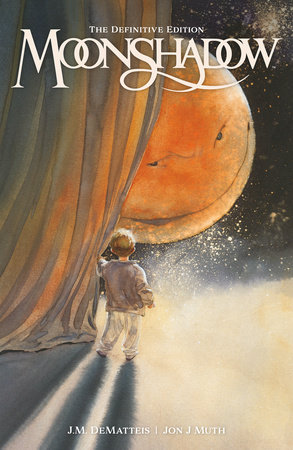
A romantic, unreliable narrator leads us through his interplanetary coming-of-age story, as an older Moonshadow recounts his strange mixed-species birth in outer space, his escape from a deep-space zoo, and his struggles to survive in a war-torn universe.
With gorgeous watercolor artwork by Jon J Muth, this influential, timeless “fairy tale for adults” also includes the Farewell Moonshadow illustrated novella that gives fans a look at Moon’s life after his tumultuous, space-faring teens and misadventures with the miscreant Ira. Digitally restored and including all original cover work, this volume also includes illustrations by Kent Williams and George Pratt and lettering by Kevin Nowlan. A sci-fi fantasy that Ray Bradbury called, “Beautiful, original, haunting,” and DeMatteis himself calls “Dickens’ David Copperfield meets Siddhartha in space.”
CLICK HERE TO ORDER MOONSHADOW ONLINE
Rube Goldberg and his Amazing Machines by Brandon T. Snider and Ed Steckley
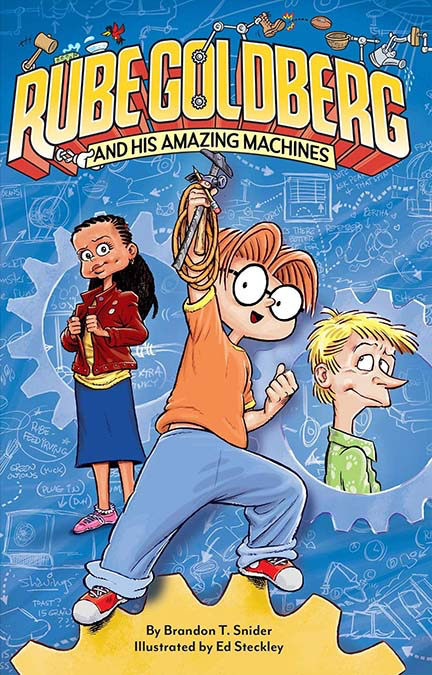
The hilarious first book in an all-new illustrated middle-grade series starring young inventor Rube Goldberg
On the first day of middle school, Principal Kim announces that the school is going to throw a Contraption Convention—the perfect opportunity for young inventor Rube Goldberg to show off his inventions and get out of his summer-long funk!
But after a fight with his friends Peal and Boob about where his priorities really lie, Rube’s Con Con entry gets off to a rocky start—and then strange incidents begin to throw the town into disarray. Boob is convinced it’s a ghost causing all of this chaos. Between Con Con, the ghostly mystery, and a new rival, Rube has his work cut out for him. But with the help of his friends, he might just get things back on track, get on top of his burgeoning anxieties, and come up with something brilliant before it’s time to face the judging table.
CLICK HERE TO ORDER RUBE GOLDBERG ONLINE
My Pencil and Me by Sara Varon
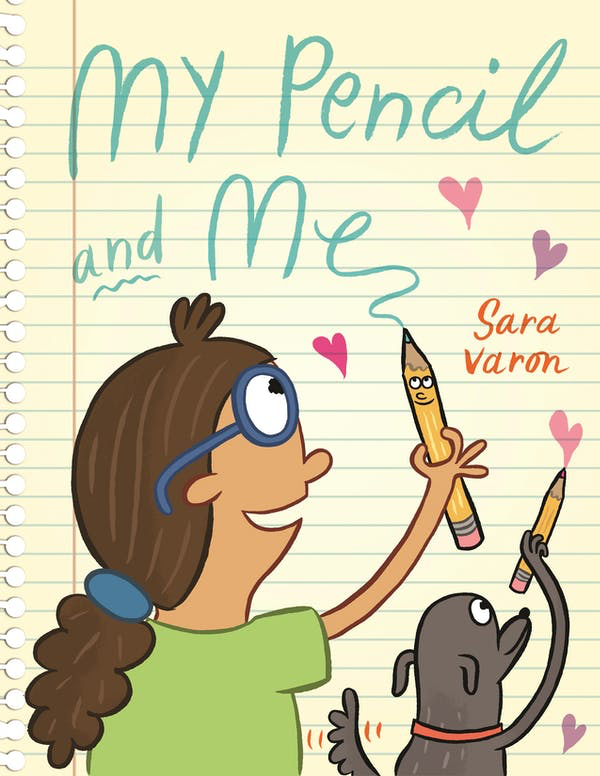
Sara Varon’s My Pencil and Me is a playful picture book that’s perfect for young artists, writers, and makers—especially if they struggle with confidence or writer’s block.
Sara loves to draw and tell stories, but sometimes it can be difficult to get started. What if she doesn’t have any good ideas or her drawings turn out terrible?!
Lucky for Sara, she has a friend who is always by her side—her pencil. With a little help from Pencil, Sara learns it’s okay if her story isn’t perfect, as long as she’s using her imagination and having fun.
CLICK HERE TO ORDER MY PENCIL AND ME ONLINE
Ginger Meggs by Tristan Bancks and Jason Chatfield
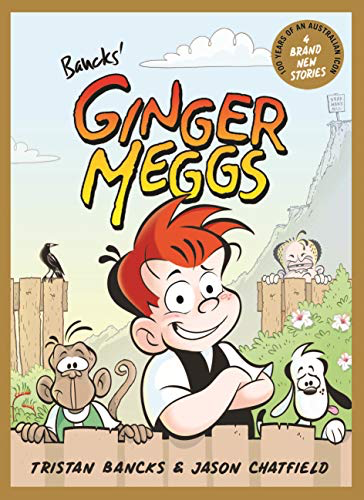
Four fresh stories to celebrate the one and only Ginger Meggs!
Celebrating 100 years of the iconic character and Aussie legend Ginger Meggs, these four brand new and original stories are written by Tristan Bancks, the great-great nephew of creator Jimmy Bancks, and illustrated in full colour by the current Ginger Meggs comic-strip cartoonist, Jason Chatfield.
Kids and grown-ups alike will revel in the rambunctious adventures and comical capers of the ginger kid who never gets old.
CLICK HERE TO ORDER GINGER MEGGS ONLINE
Shackleton: Antarctic Odyssey by Nick Bertozzi

A NEW YORK TIMES BESTSELLER
Ernest Shackleton was one of the last great Antarctic explorers, and he led one of the most ambitious Antarctic expeditions ever undertaken. This is his story, and the story of the dozens of men who threw in their lot with him – many of whom nearly died in the unimaginably harsh conditions of the journey. It’s an astonishing feat – and was unprecedented at the time – that all the men in the expedition survived.
Shackleton’s expedition marked the end of a period of romantic exploration of the Arctic and the Antarctic, and this is as much a book about the encroaching modern world as it is about travel. But Nick Bertozzi has documented this remarkable journey with such wit and fiendish attention to detail that it’s impossible not to get caught up in the drama of the voyage. Shackleton is a phenomenal accompaniment to Bertozzi’s earlier graphic novel about great explorers, Lewis & Clark.
CLICK HERE TO ORDER SHACKLETON ONLINE
Laika by Nick Abadzis
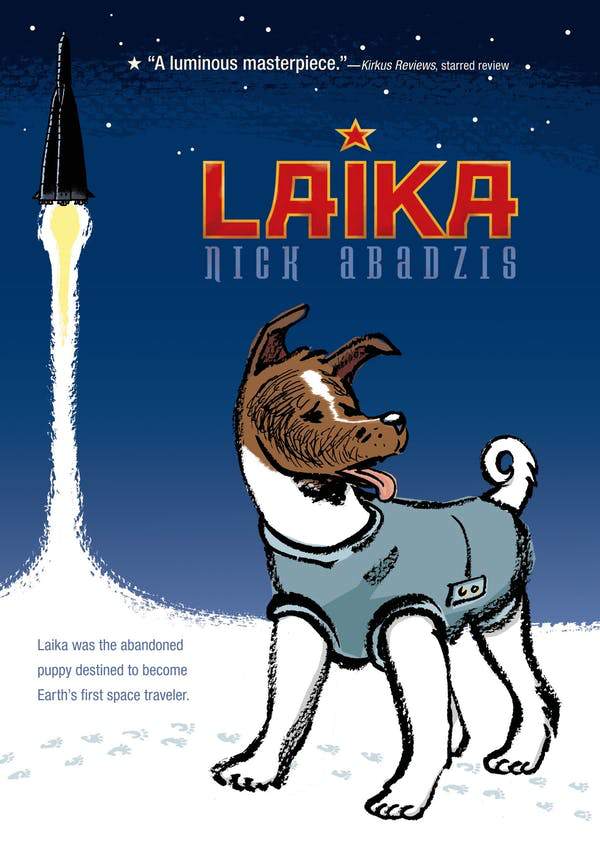
Eisner Award Winner: Best Publication for Teens | Eisner Award Nominee: Best Reality-Based Work
Laika was the abandoned puppy destined to become Earth’s first space traveler. This graphic novel follows her journey.
Nick Abadzis masterfully blends fiction and fact in the intertwined stories of three compelling lives. Along with Laika, there is Korolev, once a political prisoner, now a driven engineer at the top of the Soviet Union’s space program, and Yelena, the lab technician responsible for Laika’s health and life. This intense triangle is rendered with the pitch-perfect emotionality of classics like Because of Winn Dixie, Shiloh, and Old Yeller.
Abadzis gives life to a pivotal moment in modern history, casting light on the hidden moments of deep humanity behind history.
CLICK HERE TO ORDER LAIKA ONLINE
Great White Shark Adventure by Fabien Cousteau, James O. Fraioli, and Joe St. Pierre
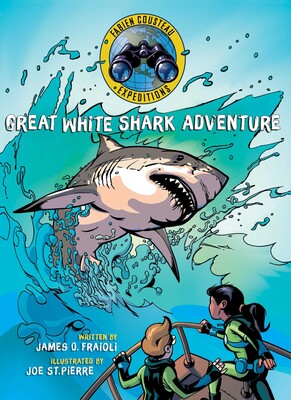
Junior explorers Bella and Marcus join famed explorer Fabien Cousteau and his research team as they embark on an ocean journey off the coast of South Africa, where the world’s largest concentrations of great white sharks are found. Their mission is to investigate a sighting of a massive white shark, and tag it so they can track and protect it. Along the way, they’ll encounter whales, seals, dolphins, penguins, and a colorful array of other marine life. They’ll also enter a shark cage and come face to face with these powerful creatures.
Dramatic, graphic illustrations and a compelling story help young readers discover tons of facts about sharks and other marine creatures. Children will also learn the many damaging myths about sharks, why they are so misunderstood, and what is being done to protect them from further exploitation and possible extinction.
CLICK HERE TO ORDER GREAT WHITE SHARK ADVENTURE ONLINE
Megaghost by Gabe Soria and Gideon Kendall
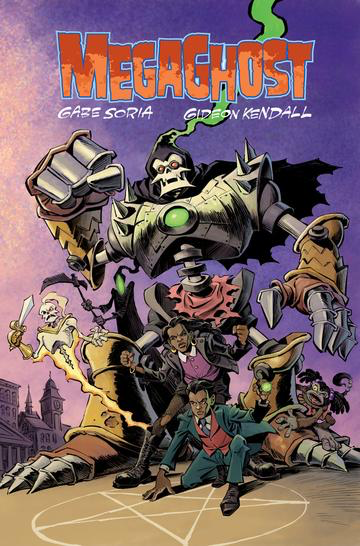
With new never before published story content and bonus sketchbook material, this volume is not to be missed! When Martin Magus comes into possession of a bewitched ring, he discovers that he now has the power to summon MEGAGHOST! A giant supernatural robot sworn to defend the world against the creepy things that go SMASH in the night. Written by Gabe Soria and illustrated by Eisner Award-winning artist Gideon Kendall, MEGAGHOST is an action-packed, arcane adventure that mixes Saturday morning cartoon thrills with supernatural chills!
CLICK HERE TO ORDER MEGAGHOST ONLINE
Punk Taco by Adam and Makana Wallenta

Winner of the 2019 RINGO AWARD for “Best Kids Comic or Graphic Novel”
Winner of the 2019 KIDS COMICS AWARD for “Keeping it Unreal. Best Sci-Fi or Fantasy Book”
Punk Taco is series of a whimsical sci-fi action-adventure graphic novels about a lovable sentient space-taco and his inter-galactic band of misfits who rock out across the galaxy spreading peace and love though their music and art.
CLICK HERE TO ORDER PUNK TACO ONLINE
FREE SPEECH HANDBOOK by Ian Rosenberg and Mike Cavallaro

In this volume of the World Citizen Comics series, Ian Rosenberg and Mike Cavallaro create a practical framework for appreciating where our free speech protections have come from and how they may develop in the future.
Freedom of speech is fiercely defended in America and has been since the First Amendment was written. But how does it work, and what laws shape it? Drawing on parallels between ten seminal Supreme Court cases and current events, Free Speech Handbook lays out the fundamentals of First Amendment law in an accessible and engaging way.
CLICK HERE TO ORDER FREE SPEECH HANDBOOK ONLINE
Nico Bravo series by Mike Cavallaro
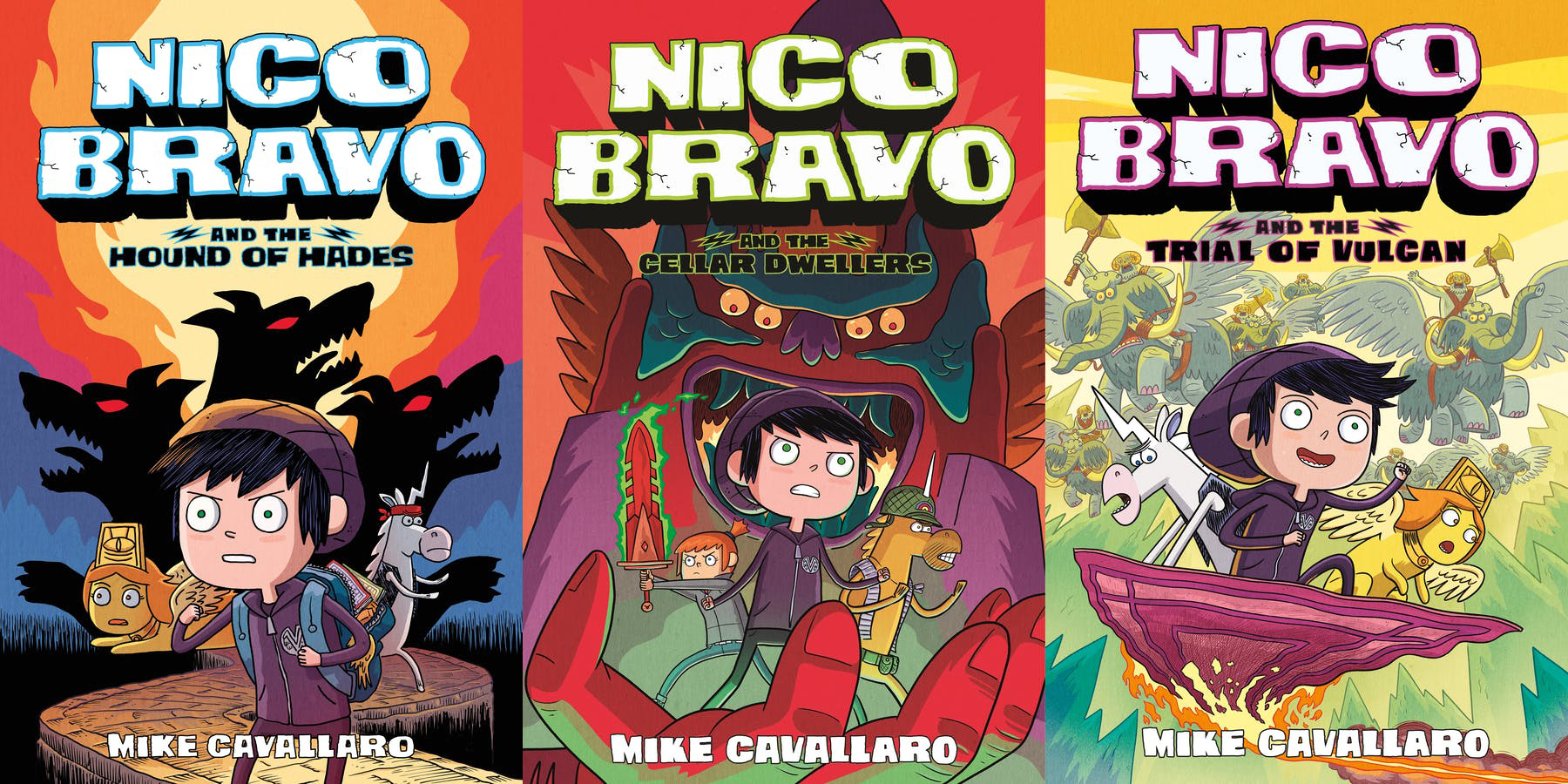
Nico Bravo and the Hound of Hades, the first book in this playful series, finds Nico struggling with a peculiar customer at the magical merchandise shop he helps run. A descendant from none other than the legendary monster-hunter Beowulf himself, hopes to equip himself with the tools necessary to defeat Cerberus, guardian of the underworld. Young readers will revisit famous monsters and explore familiar myths in fun and surprising new ways in these wacky graphic novels for kids by award-winning author-illustrator Mike Cavallaro.
CLICK HERE TO ORDER NICO BRAVO ONLINE


Free Speech Handbook, by Ian Rosenberg and I, hits the streets on November 30, 2021, and we have some events planned to spread the word. Visit freespeechhandbook.com to register for events and to keep up on news and reviews.


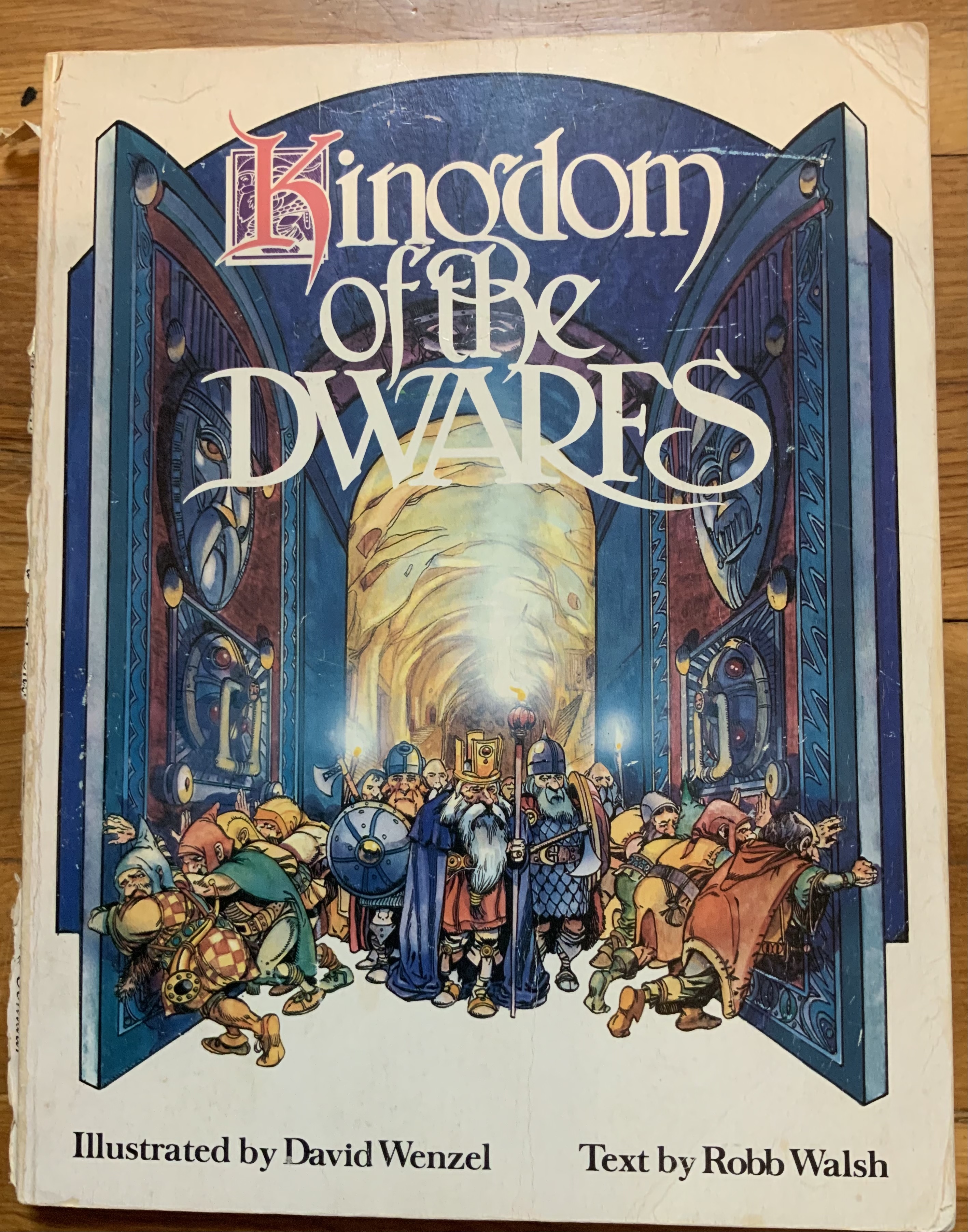
I was about 10 or 11 years old, in middle school, and I was telling my history teacher about a fascinating book I had just read. In 1979, a dagger with a blade of tempered steel was discovered buried in a garden in northern England. Carbon dating placed its manufacture at some 500 years before the Iron Age. The Royal Academy of Archaelogical Sciences contacted Dr. Egil Dvaergen, a specialist and professor from Storhamar University in Norway, who went on the lead the subsequent excavation of the garden. This revealed a deeply buried passageway, that lead to a vast underground complex, filled with ancient artifacts that pointed towards the existence of a previously unknown civilization…of Dwarfs.
Because flash photography can be damaging to the delicate patina of ancient artifacts, illustrator David Wenzel was brought on board to attempt to capture some of the sights the archaeological team unearthed. The result was the book I had read, Rob Walsh’s and David Wenzel’s KINGDOM OF THE DWARFS.
My history teacher listened patiently, and then carefully explained the concept to HISTORICAL FICTION to me, a format I was unacquainted with. In short, he assured me that the story was meant to seem real and convincing, but it was a work of fiction. Later that year, he assigned a project in which we would each write a piece of historical fiction. We were free to choose the subject and era. I wrote a “first-person account” of the 11th-century Viking king Harold Hadrada’s doomed attack on the English mainland, told from the point of view of one of his raiders.
But the effect David Wenzel’s illustrations had on me was very real. It’s hard to pinpoint any one influence, because I was inspired and influenced by so many things as a kid, but these DEFINITELY and SPECIFICALLY made me want to learn to paint, using the exact tools and materials I perceived Wenzel was using: pen, ink, and watercolor. My parents found a local watercolorist, Diana Patton, who gave lessons at her home, and I studied with her for a few years. That’s where I learned all my painting skills.
In 2013, I saw on their website that David Wenzel would be exhibiting in Artists Alley at New York ComicCon. I retrieved my dog-eared copy of KINGDOM OF THE DWARFS, and spent some time at his table rambling about what a huge influence his work had been on me. He was gracious enough to sign it for me:
”To Mike! Thanks for enjoying this book for so many years—I really am touched—Thank you and Best—David T. Wenzel”
I just saw that a new edition with more illustrations was released in 2018, and decided to grab a copy of that too, if only in the hopes of supporting the authors a tiny bit.
30 years later, I’m still staring at this book with awe. It’s truly a masterpiece!


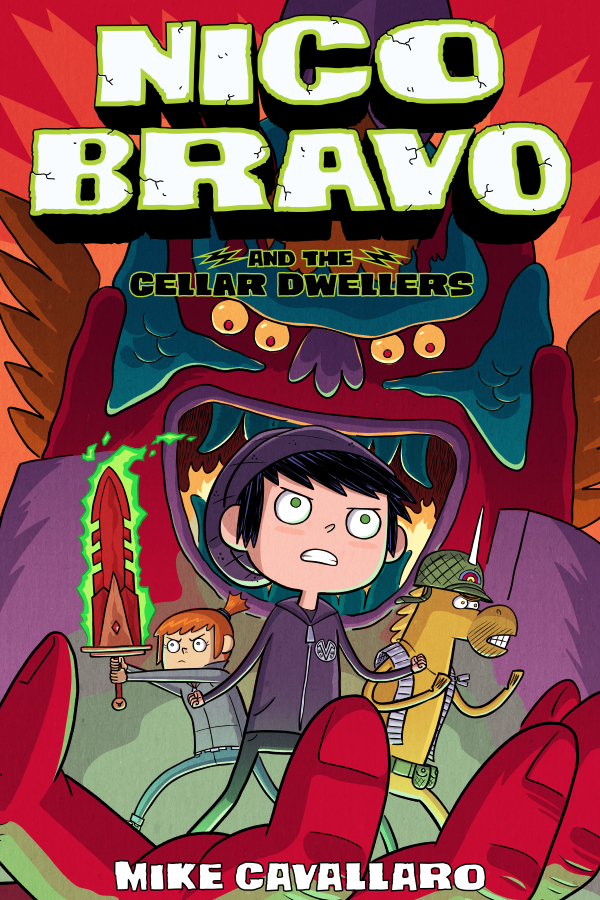
Order NICO BRAVO AND THE CELLAR DWELLERS
Book 2 in the NICO BRAVO series from First Second Books. 192 pages, All-ages.
Ahriman, God of Evil, is fed up with young Nico thwarting all of his heinous plans
and sends a shapeshifter named Orcus to Vulcan’s Celestial Supply Shop on a
covert mission to take Nico and his crew down! But nothing goes as planned,
causing the bumbling God of Misfortune to enter the fray, What will happen to Nico
and his friends when all their troubles converge in a desperate battle for the fate
of the Universe?
Praise for NICO BRAVO:
2019 New York Public Library Best Books for Kids
2019 Junior Library Guild Selection
2020 Maverick Graphic Novel Reading List Selection
KIRKUS: “Smart, fast-paced fun…filling it’s full-color panels with enough intrigue and explosions to keep pages flying.”
SEQUENTIAL TART: “It has adventure, battles, self-discovery, and alliterative exclaimations. The art is excellent. The coloring is outstanding. There’s tons of humor too.”
SCHOOL LIBRARY JOURNAL: “[A] fun, fast-paced graphic novel. VERDICT: An engaging series opener recommended for most middle grade collections.”
GRAPHIC NOVEL RESOURCES: “A real smorgasbord for any fan of myths and legends. [It] features great characters, a plot full of twists and turns, and lots of mythological hi-jinx.”
PAGE 45: “There’s much you’ll find to chuckle at here. This is also, though, a substantial and sophisticated adventure yarn.”


NICO BRAVO and the CELLAR DWELLERS, Book 2 in the Nico Bravo series, drops on 8/25/2020.
Ahriman, God of Evil, is fed up with young Nico thwarting all of his heinous plans
and sends a shapeshifter named Orcus to Vulcan’s Celestial Supply Shop on a
covert mission to take Nico and his crew down! But nothing goes as planned,
causing the bumbling God of Misfortune to enter the fray, What will happen to Nico
and his friends when all their troubles converge in a desperate battle for the fate
of the Universe?
Praise for NICO BRAVO:
2019 New York Public Library Best Books for Kids
2019 Junior Library Guild Selection
2020 Maverick Graphic Novel Reading List Selection
KIRKUS: “Smart, fast-paced fun…filling it’s full-color panels with enough intrigue and explosions to keep pages flying.”
SEQUENTIAL TART: “It has adventure, battles, self-discovery, and alliterative exclaimations. The art is excellent. The coloring is outstanding. There’s tons of humor too.”
SCHOOL LIBRARY JOURNAL: “[A] fun, fast-paced graphic novel. VERDICT: An engaging series opener recommended for most middle grade collections.”
GRAPHIC NOVEL RESOURCES: “A real smorgasbord for any fan of myths and legends. [It] features great characters, a plot full of twists and turns, and lots of mythological hi-jinx.”
PAGE 45: “There’s much you’ll find to chuckle at here. This is also, though, a substantial and sophisticated adventure yarn.”
Ask your local bookstore or comic shop, or order online at:
https://us.macmillan.com/series/nicobravo/